
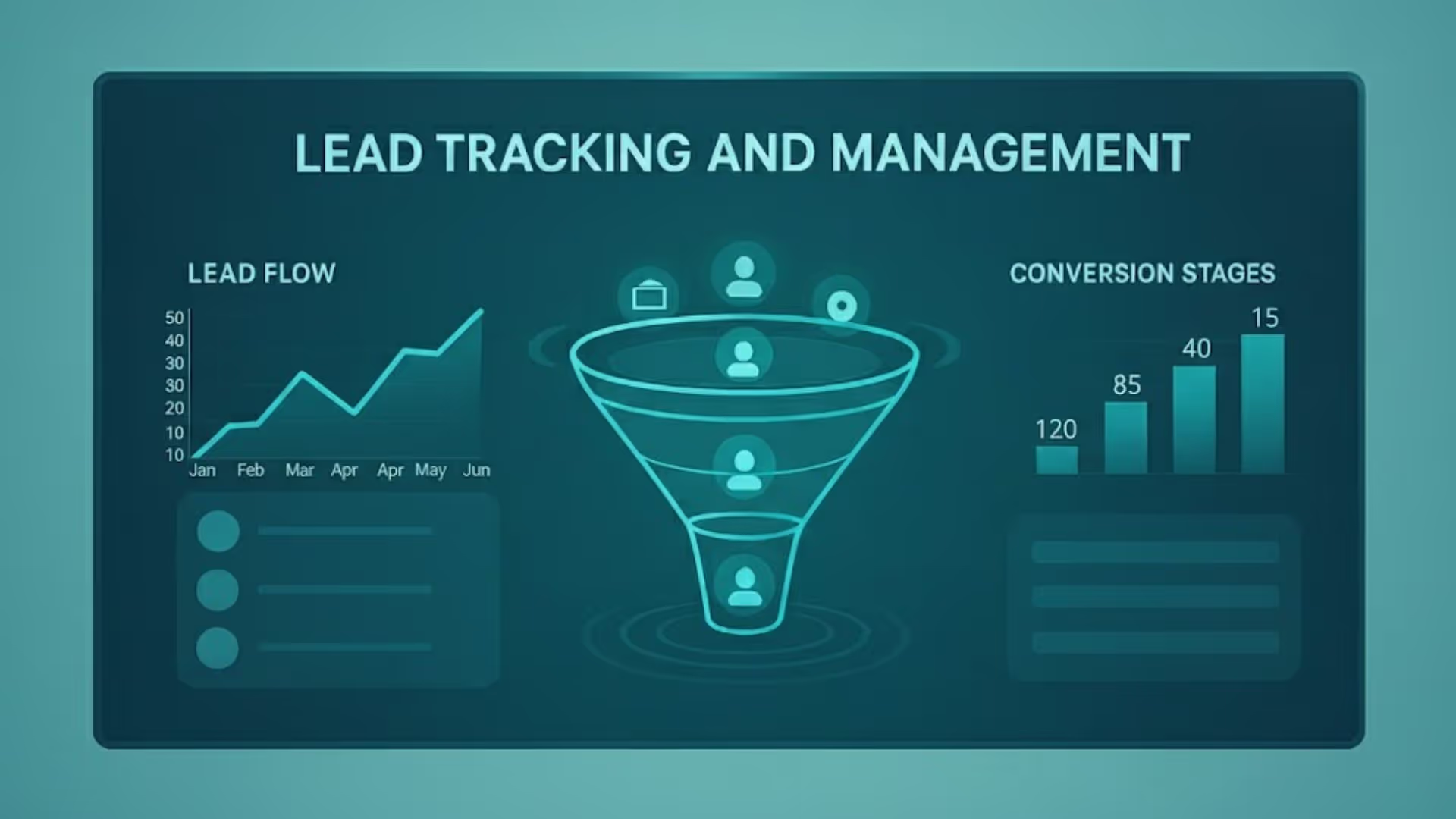


For a B2B team, a lead might arrive from a LinkedIn ad, a cold email, a webinar or a customer's referral, and each one tells a different story about what is working.
Lead tracking and management of lead sources is crucial. It tells you which medium is performing well and driving growth so your company can double down on those strategies.
This guide explains what lead sources are, how to track them, and the tools you need to manage leads effectively.
What is a lead source?
Most CRMs track two versions of it. The original source is the first touch, and the latest source is the most recent one.
There could be two types of lead sources: inbound & outbound leads.
Inbound leads refer to those who are actively seeking to learn about your product and get in touch with you. They probably viewed your Google Ad and this digital platform becomes the source of lead capture.
Outbound leads, on the other hand, refer to potential customers who your company reaches out to. This can include sending cold emails.
Why is tracking lead sources important? (benefits)
When you capture leads, if you’re not confident which channel produced it, you can’t:
- Attribute revenue to the right campaigns
- Calculate CAC by channel
- Decide which bids or creative to scale, or
- Benchmark channel performance over time.
Good lead source tracking helps save pointless effort and wasted ad spend, so you optimize toward profit. It also supports strategic decisions such as hiring an SDR, expanding a channel, or even cutting a low-performing vendor.
For sales teams, the source also decides routing, response time and which sources feed your best pipeline.
Here's why tracking beyond traffic metrics matters:
Say, you're running an ad on Facebook and investing in SEO. Without monitoring, you only have information about how many website visitors each channel brings, but not how many from those actually convert into paying customers.
If you're a marketer, you might see that Facebook ads produce 100 visitors and organic Google search about 50. This can cause an error in judgment that Facebook ads are better. However, if only 10 of the 100 visitors from Facebook ads convert (10%) but 20 of the 50 search visitors convert (40%), SEO is actually generating more real business.
What are some examples of lead generation sources?
Organic Search (Google/SEO): These leads search your business organically on engines like Google or Bing. While clients have become increasingly tech savvy and do thorough research before settling on a solution, it is crucial for businesses to optimise their website for SEO. According to hypervisibility, 49% of the marketers believe that the most profitable lead source is organic search.
Paid Search (Google Ads): Traffic that is captured from running ad campaigns on search engines. This could be on the basis of pay-per-click, display ads, etc.
Although paid leads cost a lot of money, their conversion rates are decent because most of them are high-intent leads who are actively seeking solutions.
Paid Social: Lead source here are social media platforms like Instagram, Facebook, Twitter, Pinterest, and LinkedIn. Running ads on these platforms reaches a wide range of audience but see a lower conversion rate.
Still, socials are useful for raising awareness and lead nurturing. Keep in mind tracking on social media can be tricky due to privacy changes. Tools like Facebook’s Conversion API help recover some of this data.
Direct: When a lead discovers you by searching for your website directly.
Referral & Word-of-Mouth (perhaps another website linked you): Client satisfaction is important. Existing clients can refer your business to potential prospects. This “offline digital” source often shows up in analytics as referral or direct traffic if someone simply searches your brand name after a recommendation.
Email (newsletter or nurture): Writing newsletters or targeted email campaigns to prospects is a major lead source. Email is consistently effective for B2B, with 79% of B2B marketers calling it their most revenue-generating channel. Leads here usually click through tracked links, making source attribution straightforward.
Event / Trade Show / Webinar (often offline registration): A traditional way of attracting leads is to host trade shows, conferences, seminars, and networking events. Leads from these can be captured by using QR codes, lead retrieval scanners, or simply entering contact details into a CRM. These offline leads may require manual source entry, but they can be very high-quality.
Offline: Billboards, TV/radio ads, print magazines. Tracking is harder here, but using unique campaign URLs, phone numbers, or landing pages can help. These often contribute to ‘direct’ traffic unless coded.
Phone: Callers who found you via a search or ad; requires call tracking
How to track lead sources?
Use UTM Parameters
For all the live campaigns you’re running, assign a UTM tag. Therefore, when a lead clicks on a link, it will automatically capture lead source information. For example, your UTM link can look like this: https://example.com/landing-page?utm_source=linkedin&utm_medium=social&utm_campaign=fall_promo
Google Analytics automatically records this source and medium.Google Analytics & Reports
Configure your Google Analytics (GA4 or Universal Analytics) to capture referral data. The Channels report will show ‘Organic Search,’ ‘Paid Search,’ ‘Social,’ ‘Email,’ etc., and the full source/medium breakdown. Use GA4’s Conversion Paths report (or older Multi-Channel Funnels) to see how different channels contribute to conversions.
Hidden form fields
Add hidden fields for source, medium and campaign to every form, and fill them from the URL. This is what carries the UTM from the click into the lead record.
CRM Integration
Push all your analytics data into the CRM. Your CRM should have fields for first/last UTMs, touch history and source.
Ask Prospects Directly
Include a ‘how did you hear about us?’ option on all signup forms.
For example, Google, Facebook, Friend/Referral, Event, Other.
Self-reported answers often differ from system data, which is useful. They catch recommendations, communities and AI search that tags miss.
Call and Event Tracking
If you have phone leads, use a call-tracking solution. Assign unique phone numbers to different ads or campaigns. Likewise, at physical events, scan badges or collect business cards linked to that event source.
Multi-Touch Attribution
There are multiple channels that customers interact with. They might first discover your brand via a blog post (organic), and later click on an ad (paid) and finally fill the form.
Note: Keep it simple at first. Start with first-touch and last-touch before scaling to multi-touch.
The next two methods are advanced, so skip them until the basics above are running.
Marketing Mix Modeling (MMM)
For large companies with offline spend (TV, radio, print), MMM uses statistical analysis to estimate each channel’s impact on sales or leads. This is more complex and suited for big budgets.
Cross-Device and Cross-Session
Some prospects browse on mobile then convert on desktop. Cookies can break across devices. One solution is using login/registration info to tie sessions together. Another is using marketing automation platforms that sync data by email.
Tools to extract and track lead sources
Website & forms
CMS (WordPress, Webflow), landing page builders (Unbounce, Leadpages) - ensure they let you add hidden fields and custom scripts.
Analytics
Google Analytics 4 (GA4) - core site analytics and events; requires server-side tagging for best reliability now.
Call-tracking - CallRail, CallTrackingMetrics for phone leads.
CRM
Superleap - Make sure Lead record has fields for first/last UTMs, touch history and source.
Attribution & MTA
Ruler Analytics, WhatConverts, Bizible (for Salesforce) - help with multi-touch and cross-system attribution. These capture the session → contact link and push attributed info into the CRM.
Integrations
Zapier / Make for glue logic, or native connectors between your CRM and analytics.
Enrichment & Intent
Clearbit, ZoomInfo, Bombora (intent).
Data warehouse / CDP
BigQuery / Snowflake + Looker/PowerBI if you need consolidated, queryable source-of-truth and custom attribution.
How to measure lead sources
Count visitors for traffic reports, but judge each source by what it produces downstream, from the first lead to closed revenue in your sales pipeline.
A simple report needs seven columns: source, leads, opportunities, customers, revenue, cost and CAC.
How to manage lead sources in your CRM
- Route by source: send demo requests to your fastest responder and event leads to the rep who attended.
- Set a response-time target for each source, since a demo request and a newsletter signup do not deserve the same wait.
- Score by source and by buyer intent, using what you learn from buyer intent data.
- Clean the field every month: merge duplicate values, review “Other” and “Unknown”, and fix leads with no source.
- Name one owner for the field, usually sales or marketing operations, so every change goes through one person.
Conclusion
Once you start tracking lead sources, your marketing game becomes stronger because now you know what works best for your business niche. Your sales team gets stronger too, because routing and follow-up can follow the sources that convert. Implement methods we have mentioned and see the results!
If your leads still live across forms, spreadsheets and inboxes, Superleap keeps source, touch history and deal outcomes together in one CRM. Book a demo to see it in action.





%201%20(1).svg)
.svg)
.svg)
.svg)
.svg)